
Understanding Host Earnings
This article is about host earnings. Host earnings are shown for every booking, and earnings are summarized by month, by year, and for all time. To learn how to get paid, click here.
Earnings by reservation
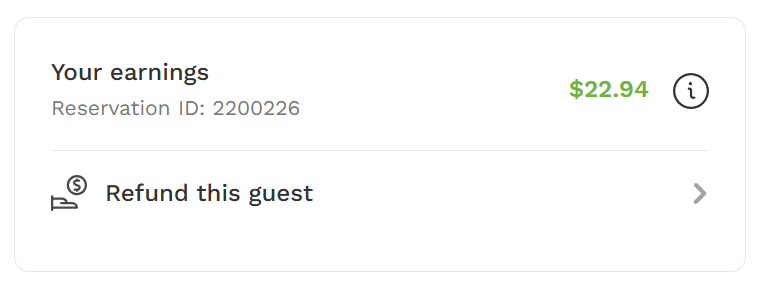
Earnings for every booking are detailed by clicking on the reservation and then "Your earnings" from the web or mobile reservations page. You can read more about how to view and manage your reservations here.
From this view, you can also refund a guest. Learn more about refunding a booking here.
Earnings detail
Click on the information symbol to see the earnings detail for a reservation.
"Your earnings" details host earnings at the top in green. It includes booking details (number of dogs x booking time), any Extras included in the booking, all host-sponsored discounts applied to the booking, and all fees deducted from earnings.


To read about fees and to understand why they might vary from one booking to another, click here. Learn how to create custom discounts here. Read about Sniffspot Membership and how to opt in/out of host discounts here.
Base price breakdown
To find the Base price breakdown for a reservation, click on the information symbol beside the base price.


Click here to read more about how to set a price for your spot. Read here for more information on discounts that are automatically built into pricing for all reservations.
Extras breakdown
To find the Extras breakdown, click on the information symbol beside any Extras included in the reservation.
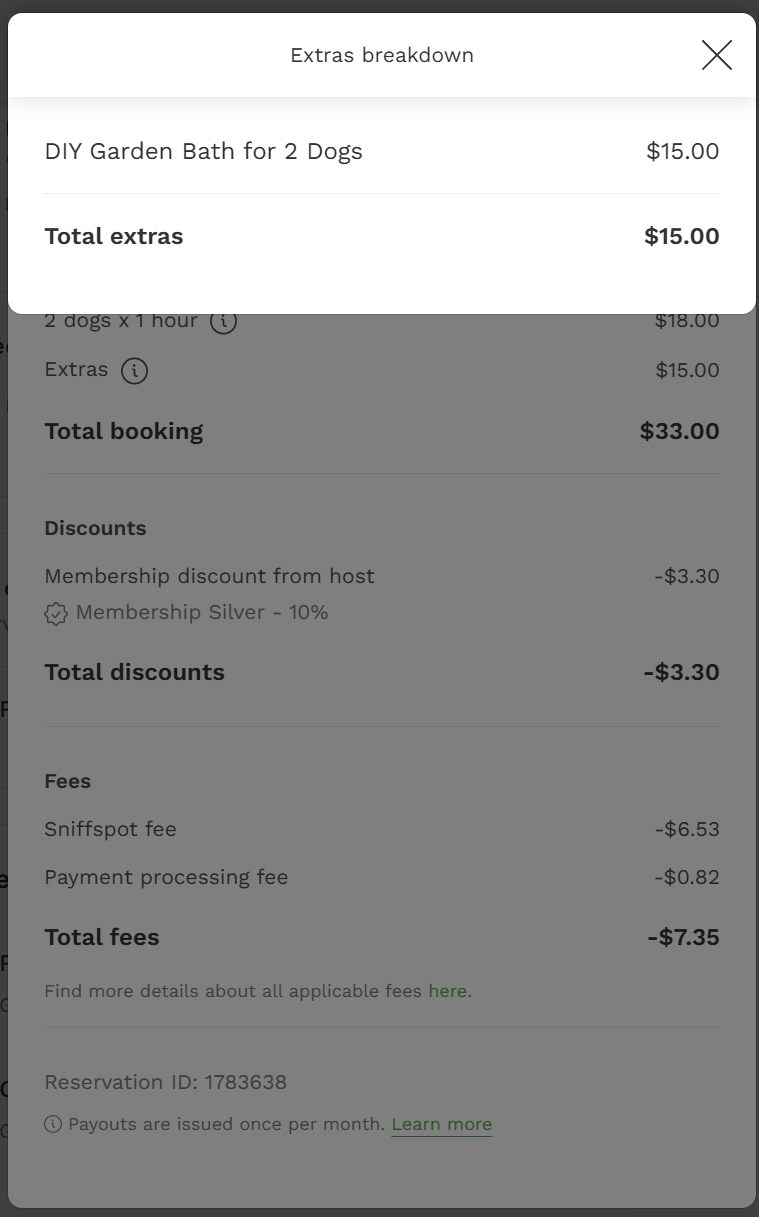
Read here for more information about Extras.
Earnings summaries
You can view summaries of earnings on the web here or in your host account on the mobile app in Settings.
"My earnings" provides a monthly, yearly, and all-time breakdown of your net earnings. From here, you can access your payout history by month. Note: Yearly net earnings reflect bookings that occur during a calendar year and are different from tax-reportable earnings. To read more about taxes, click here.
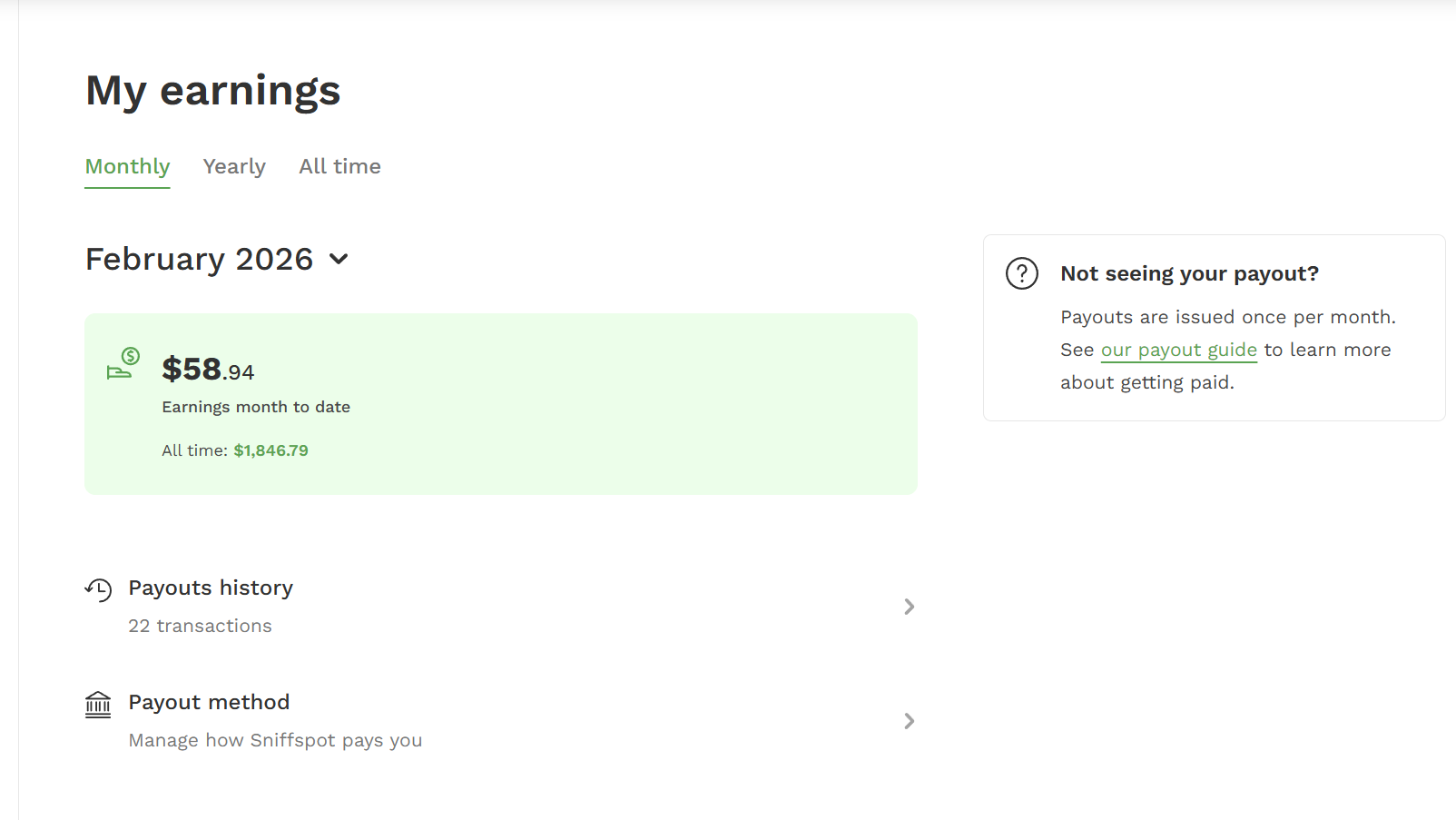
This is also where you can view and edit your payout method. Read more about how hosts get paid here. Note: Changing payout methods will remove prior payout history details from this page, but you can always contact support for list of transactions upon request.
—
Ready to host? You can learn more and get started here.
—
See what other hosts are saying about this topic in our Sniffspot Host Community on Facebook!
Discussion Topic: Earnings
Discussion Topic: Membership
Discussion Topic: Processing Fee
Discussion Topic: Stripe Fee