
Reporting a spot or a user
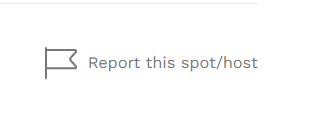
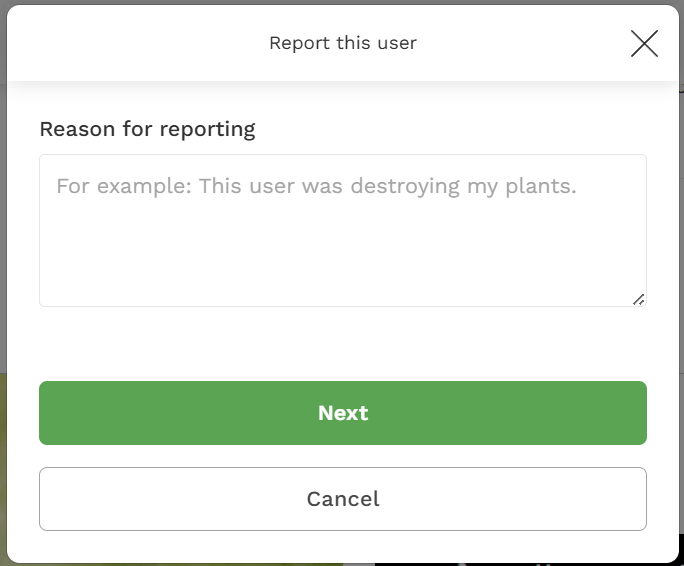
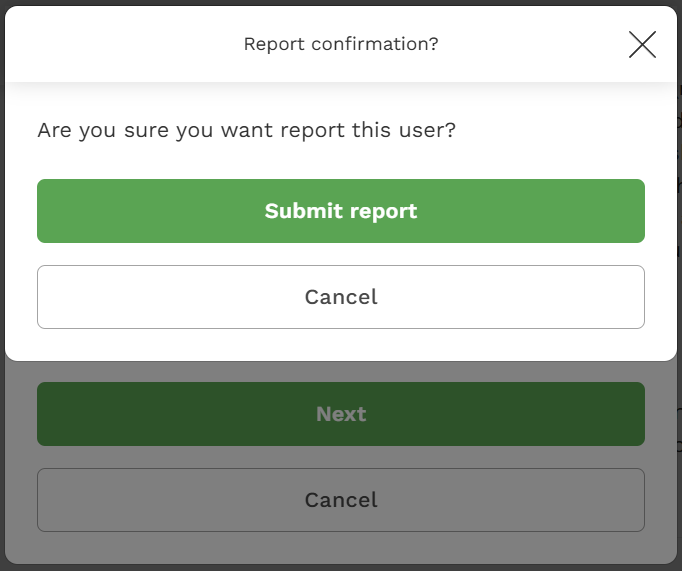
If you would like to report a complaint against a spot or any user, you can do it through the report tool on the spot detail page. The report tool is found at the bottom of the detail page for every spot and at the bottom of the profile page for every user. To submit a report, follow these steps:
- Click the flag,
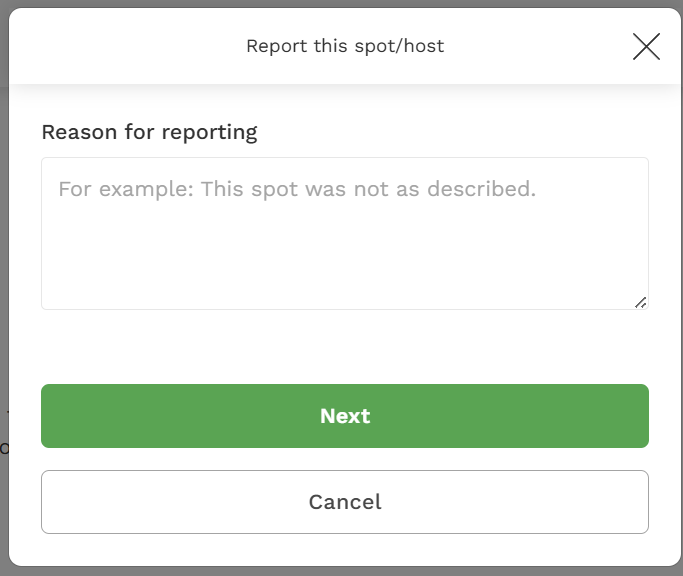
- Type the reason for reporting, and
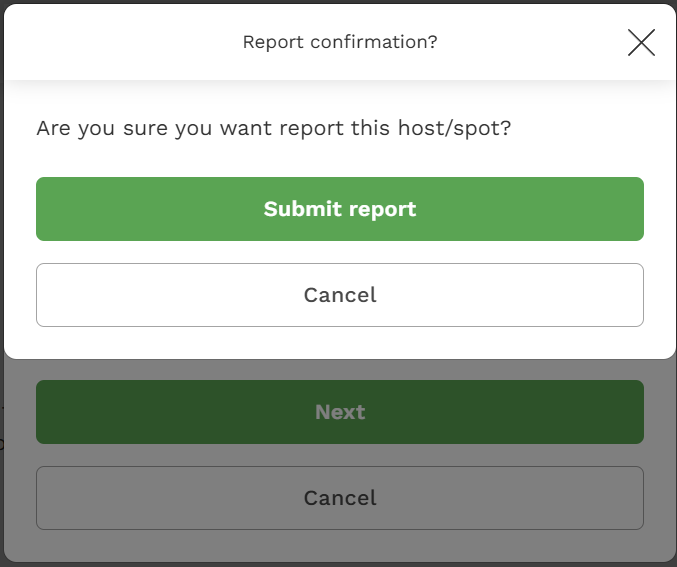
- Submit the report to confirm.
You can also block content from any user by following these instructions.